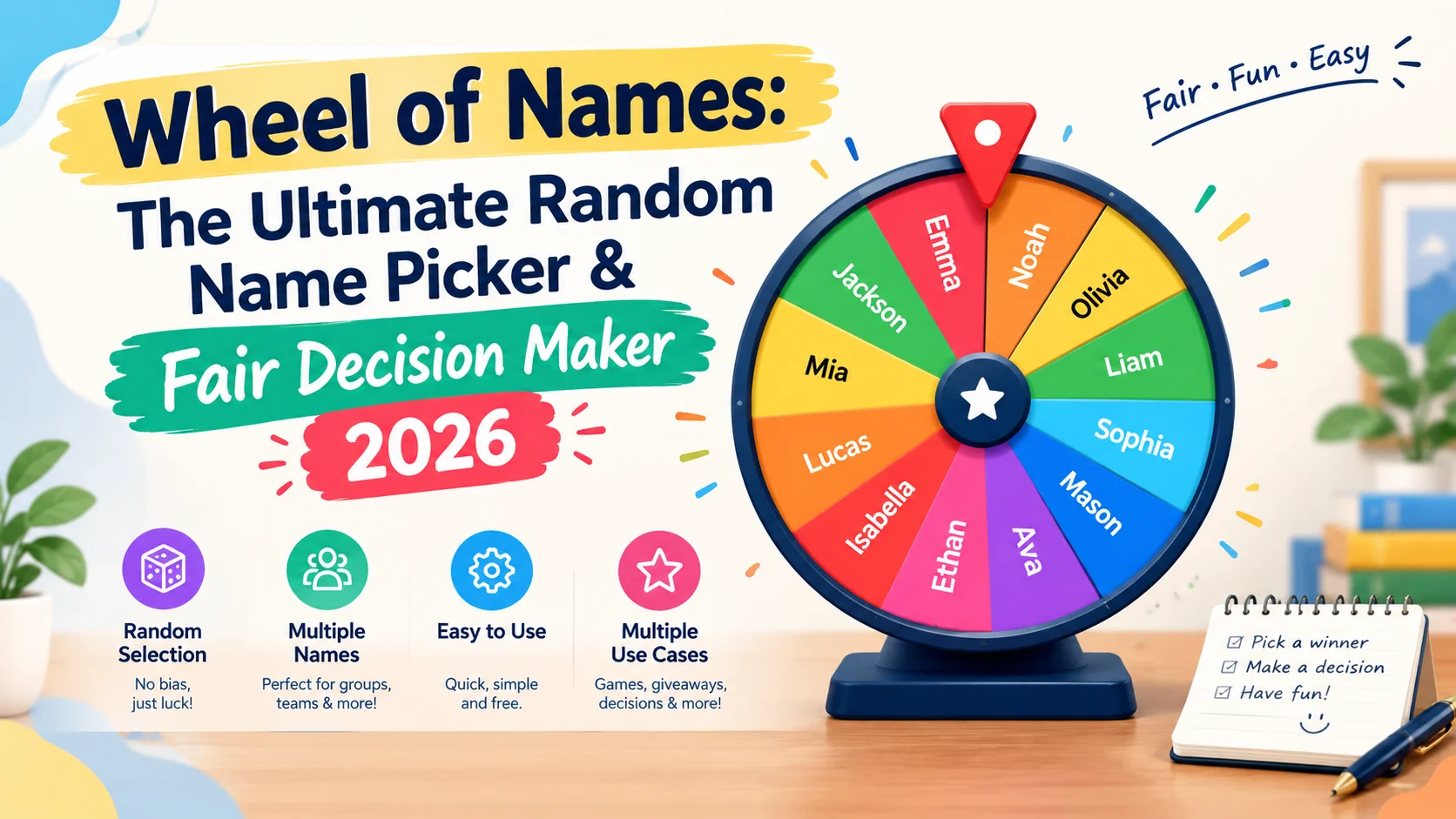
Wheel of Names is an online spinning-wheel tool that randomly selects a name or other option from a list. You can use it for classrooms, giveaways, meetings, games, raffles, presentations, and everyday decisions by entering your choices and spinning the wheel.
- A wheel of names turns a simple list into a visible random-selection process. Instead of calling someone manually or drawing slips from a container, participants can watch the wheel spin and reveal a result. The official Wheel of Names platform also supports customization, sharing, weighted entries, multiple wheels, saved wheels, and large lists.
What Is a Wheel of Names?
A wheel of names is a digital random name picker. You enter names, people, prizes, tasks, numbers, or other choices into a spinning wheel, then spin it to select one result.
It is especially useful when a group needs a quick and visible way to make a random selection. Teachers can select students, event hosts can draw winners, managers can choose presenters, and families can use it to decide between several options.
The important distinction is that the wheel is not the source of randomness itself. The spinning animation visually presents the selection. The official Wheel of Names FAQ explains that its current implementation uses crypto.getRandomValues() for its randomness rather than the ordinary Math.random() function.
How Does Wheel of Names Work?
The basic process is simple:
- Enter your names or other choices.
- Review the entries.
- Customize the wheel if needed.
- Spin the wheel.
- Read the selected result.
- Remove the winner if you do not want repeat selections.
- Spin again for another result.
The official site describes the basic workflow as entering entries into the textbox and clicking the wheel to spin. It also allows users to customize colors, sounds, and spin time.
For an ordinary equal-chance wheel, each active entry represents a selection opportunity. However, weighted mode changes those probabilities, so weighted wheels should not be described as equal-chance draws. The official FAQ specifically explains that increasing an entry’s weight makes its segment larger and increases its chance of winning.
Why Use a Wheel of Names?
A spinning wheel adds something a basic random-number generator often lacks: visual transparency.
Everyone can see the available entries before the spin and watch the selection happen. That makes the process particularly useful for group activities where people want to see how a choice was made.
Common uses include:
- Random student selection
- Classroom activities
- Giveaway winners
- Raffle draws
- Presentation order
- Team meetings
- Party games
- Chore assignments
- Choosing a movie or meal
- Selecting discussion topics
- Livestream challenges
- Picking who goes first
The official Wheel of Names site specifically lists classroom selection, giveaways, presentations, workplace meetings, parties, and everyday decisions among its use cases.
10 Practical Ways to Use Wheel of Names
1. Classroom Random Name Picker
Teachers can enter a class list and use the wheel to select students for questions, presentations, reading roles, demonstrations, or classroom activities.
The visual spin can make participation feel more interactive than simply calling on students. For repeated selection, teachers can remove a selected student after each spin if they want to work through the roster without choosing the same person again.
A useful classroom routine is to explain the rule before spinning. For example, students should know whether selected names remain eligible or are removed. This prevents confusion when the same name appears more than once.
The official platform specifically identifies random student selection as a classroom use case.
2. Giveaway and Raffle Winner Picker
A wheel can also display a list of giveaway participants and reveal a winner on screen.
For a public giveaway, preparation matters as much as the spin. Make sure the participant list is complete, remove duplicate or invalid entries according to your published rules, and explain how winners will be selected before starting.
If multiple winners are required, decide whether winners can appear again. If not, remove each selected winner before continuing.
The official Wheel of Names site lists customer giveaways, event winners, and raffle-style selections among its intended uses.
3. Team Meeting Selector
Meetings often need a quick way to decide who presents first, gives an update, leads a discussion, or handles the next task.
Instead of repeatedly relying on volunteering or alphabetical order, a wheel can provide a visible random selection.
You can also create separate wheels for different purposes. For example:
- Team members
- Presentation topics
- Meeting activities
- Icebreaker questions
The official tool supports multiple wheels on the same page, which can be useful for multi-stage activities.
4. Party and Game Picker
A wheel can add suspense to party games.
Add names to decide who starts, create a list of challenges, or enter possible activities and let the wheel select the next one.
It can also work for smaller decisions, such as choosing:
- The next game
- The next player
- A movie
- A restaurant
- A team captain
- A challenge
- A conversation topic
The advantage is simplicity. Participants do not need to learn a complicated system before using it.
5. Random Presentation Order
Students, employees, or conference participants can use a wheel to determine presentation order.
Create a list containing every participant and spin once for each presentation slot.
For a no-repeat system, remove each selected name after the result. This is important because ordinary random selection does not automatically mean every person will be selected exactly once.
The official FAQ explains that repeated results are normal in independent random spins. If users want to prevent a previous winner from appearing again, the winner should be removed before another spin.
6. Choose a Task or To-Do Item
The wheel does not have to contain people’s names.
You can add tasks such as:
- Write the introduction
- Answer emails
- Organize files
- Edit a video
- Review analytics
- Prepare tomorrow’s schedule
This turns the wheel into a lightweight decision-making tool.
It can be especially useful when several tasks have similar priority and you simply need a way to choose where to begin.
The official Wheel of Names website explicitly describes using the wheel to decide which task to start when a user has too many things to do.
7. Select a Dinner or Movie
A wheel can settle everyday choices without a long discussion.
For example, a movie-night wheel could contain:
- Action
- Comedy
- Thriller
- Animation
- Drama
- Documentary
Or enter specific movie titles instead.
You can use the same idea for restaurants, meals, weekend activities, travel destinations, or family games.
The wheel is most useful when the available options have already been agreed upon and the group simply needs a random selection.
8. Livestream and Content Creation
Creators can use Wheel of Names during live broadcasts as an interactive selection tool.
The official site says the wheel can be added to OBS or Streamlabs as a browser source. This makes it possible to display a wheel on stream for viewer giveaways, game challenges, or other random selections.
Possible uses include:
- Choosing a viewer
- Selecting a challenge
- Choosing a game
- Picking a character
- Selecting a topic
- Deciding a gameplay restriction
For public draws, creators should establish eligibility rules before the selection begins.
9. Team-Building Activities
A wheel can randomly assign people to roles or activities.
For example, you could create separate entries for:
- Presenter
- Note-taker
- Timekeeper
- Discussion leader
- Reviewer
You can also use several wheels to create combinations, such as selecting a person on one wheel and a task on another.
This makes the wheel more flexible than a simple name picker.
10. Everyday Decisions
Sometimes the simplest use is the most practical.
Add several choices and let the wheel decide:
- What to eat
- Which game to play
- Which chore to do
- Who goes first
- Which topic to discuss
- Which activity to start
- Which weekend destination to consider
The official platform itself presents everyday decision-making as one of the ways people use the tool.
Quick Comparison Table
| Use Case | What to Add | Useful Setting | Best For |
|---|---|---|---|
| Classroom | Student names | Remove winner | Teachers |
| Giveaway | Eligible participants | Remove winner | Creators and hosts |
| Raffle | Entrant names | Winner removal | Events |
| Meeting | Team members | Standard random spin | Teams |
| Presentation | Presenter names | Remove winner | Schools and workplaces |
| Party | Names or activities | Sound effects | Friends and families |
| Livestream | Viewer names | Browser-source display | Streamers |
| Chores | Household tasks | Standard spin | Families |
| Movie night | Movie titles | Custom colors | Groups |
| Team activity | Roles or names | Multiple wheels | Trainers |
Is Wheel of Names Truly Random?
This is one of the most important questions surrounding any random picker.
According to the official Wheel of Names FAQ, its default spinner uses crypto.getRandomValues() rather than Math.random(). The site also provides a 10,000-spin verification tool so users can examine the distribution of results.
However, random does not mean evenly distributed over a small number of spins.
For example, if a wheel has ten names, one person can theoretically be selected twice in a row. That does not automatically indicate a problem. Independent random events can produce repeated outcomes.
If your objective is that every participant wins exactly once before anyone repeats, use a winner-removal or equivalent elimination process instead of repeatedly spinning the unchanged list.
Can the Same Name Be Picked Twice?
Yes.
If a name remains on the wheel after being selected, it can be selected again on a later spin.
This is normal for independent random selection. The official FAQ specifically explains that previous results do not influence future spins.
How to prevent repeats
After selecting a winner:
- Record the result.
- Remove the winner.
- Spin again.
- Continue until you have enough unique selections.
This is particularly useful for giveaways, classroom participation, presentation order, and prize draws.
What Is Weighted Mode?
Weighted mode allows some entries to have a greater mathematical chance of being selected than others.
For example:
| Entry | Weight |
|---|---|
| Alex | 1 |
| Jordan | 1 |
| Taylor | 2 |
Taylor has twice the weight of Alex or Jordan.
This is not appropriate when every participant must have an equal chance.
Weighted selection can make sense for controlled games, simulations, demonstrations, or situations where different probabilities are intentionally part of the activity.
The official FAQ confirms that advanced weighted mode changes the mathematical probability by changing the relative size of wheel segments.
Can You Customize Wheel of Names?
Yes. The official platform provides customization options for the wheel’s appearance and behavior.
Depending on the current interface and configuration, customization can include:
- Colors
- Sounds
- Music
- Spin duration
- Background imagery
- Center imagery
- Winner message
- Wheel appearance
The platform also documents multiple wheels, weighted wheels, instant sharing, custom visuals, image integration, cloud or local saving, and large-list support.
For a classroom, keep the design readable from a distance. For a livestream, choose high-contrast colors and a layout that remains visible when the wheel is reduced inside the broadcast frame.
How to Make a Wheel of Names Fair
Fairness starts before you click Spin.
Use a complete list
Make sure every eligible participant or option is included.
Remove duplicates
If the same person’s name appears twice accidentally, that person may receive more selection weight than intended.
Decide the rules first
For example, determine whether a winner can win again before the first spin.
Use equal weights when equal chances are required
Do not use weighted entries if the goal is an equal-chance selection.
Keep the process visible
For public draws, displaying the list and the spin can make the procedure easier for participants to understand.
Record important results
For contests or events where the result matters, keep an appropriate record of the participant list, rules, and result.
A randomizer can produce a random result, but it cannot fix an incomplete or improperly prepared participant list.
Wheel of Names vs. a Random Name Picker
The terms are often used interchangeably, but the experience is slightly different.
A random name picker describes the function: choosing one name randomly.
A wheel of names describes a particular visual format: names appear as segments around a spinning wheel.
A simple random picker may display the selected name immediately. A wheel adds an animated, visual selection process.
Choose a wheel when the audience should watch the selection happen. A simpler randomizer may be more efficient when the animation is unnecessary.
Wheel of Names Alternatives
Search results currently contain numerous alternatives, including AhaSlides, Picker Wheel, Wheel Decide, and other random-picking tools. Recent comparison articles tend to distinguish them by factors such as customization, advertisements, account requirements, classroom features, sharing, and alternative selection formats.
Instead of assuming one tool is universally suitable, compare the features that matter for your situation:
- No account required
- Advertising
- Saving and sharing
- Winner removal
- Weighted selection
- Mobile support
- Full-screen presentation
- Import options
- Privacy
- Streaming support
- Number of entries
This approach gives you a more useful comparison than choosing a tool simply because it appears first in a list.
How to Choose the Right Random Wheel
Before selecting a tool, ask these questions:
Do I need equal chances?
Use a standard equal-weight setup.
Do I need unique winners?
Look for winner removal or elimination.
Will an audience watch?
Prioritize readable visuals, full-screen mode, and sound controls.
Am I running a giveaway?
Prepare the eligibility list and rules before spinning.
Do I have hundreds or thousands of entries?
Check the tool’s actual entry limits and import options.
Do I need to reuse the same wheel?
Look for saving or shareable-wheel features.
Will I stream it?
Check whether the tool supports OBS or another browser-source workflow.
Do I care about privacy?
Read the provider’s privacy documentation before entering sensitive information.
A Simple Wheel of Names Workflow
For most everyday situations, this workflow is enough:
Prepare → Paste → Review → Customize → Spin → Record → Remove → Repeat
Prepare
Create your list before opening the wheel.
Paste
Add one entry per line or use the available import method.
Review
Check spelling, duplicates, and eligibility.
Customize
Adjust the appearance and spin behavior if needed.
Spin
Start the selection while the audience can see the process.
Record
Write down the selected result when the outcome matters.
Remove
Remove the winner if repeat selections are not allowed.
Repeat
Continue until the required number of selections has been made.
Query Fan-Out| Common Questions
What is Wheel of Names?
It is an online spinning-wheel randomizer that selects a name or other option from a list.
How do I use Wheel of Names?
Enter your names or choices, review the list, and spin the wheel to generate a selection.
Can Wheel of Names pick the same person twice?
Yes. A name can appear again if it remains on the wheel after being selected.
How do I stop repeat winners?
Remove each selected winner before spinning again.
Can I use Wheel of Names for giveaways?
Yes. It can be used to randomly select eligible giveaway or raffle participants.
Is Wheel of Names free?
The official Wheel of Names website describes its premium features as free without paywalls, although advertising is used to support the site.
Can I use Wheel of Names in a classroom?
Yes. Randomly selecting students is one of the uses specifically described by the official site.
Can I use Wheel of Names on a livestream?
Yes. The official site documents browser-source use with OBS and Streamlabs.
FAQs
Is Wheel of Names free?
The official Wheel of Names site currently states that its premium features are available without paywalls. The website is supported by advertising, and users can close the displayed ads for the current session. Always check the official site for the latest terms and features.
Can I put more than just names on the wheel?
Yes. A wheel can contain names, tasks, prizes, numbers, activities, decisions, or other choices. The official site describes uses ranging from student selection and giveaways to choosing tasks and everyday options.
Does shuffling make the spin more random?
No. The official FAQ explains that shuffling changes the order of entries but does not increase or decrease the randomness of the actual spin. Shuffling can make the wheel visually easier to organize, but it is not necessary to make an already random spin more random.
Why did I get the same name twice?
A repeated result can occur because each spin is an independent random event. If you need every person to be selected only once, remove each winner before continuing.
Can I customize the wheel?
Yes. The official tool provides customization for elements such as colors, sounds, spin duration, backgrounds, and visual elements. Its current feature set also includes options for sharing and multiple wheels.
Can I save and share a wheel?
Yes. The official site supports saving and sharing wheels, including shareable links. Its FAQ also documents options for creating a shared wheel that other people can spin.
Can I use weighted names?
Yes. The official advanced mode supports weights. A higher weight gives an entry a larger segment and therefore a greater chance of being selected. Use this only when unequal probabilities are intentional.
Is a wheel better than drawing names from a hat?
That depends on the situation. A digital wheel is convenient, visible on a large screen, easy to reuse, and capable of handling large lists. A physical draw may be preferable when you want an offline activity. The key difference is the experience and workflow rather than a universal rule that one method is always better.
How to Choose the Perfect Wheel Setup
Before spinning, consider:
- Purpose: classroom, giveaway, meeting, party, or personal decision
- Meaning of the result: casual choice or important public draw
- Number of entries: small list or large roster
- Repeat rules: allow repeats or remove winners
- Probability: equal or intentionally weighted
- Audience: private use or public display
- Device: phone, tablet, laptop, projector, or stream
- Sharing: individual use or collaborative use
- Privacy: ordinary names or sensitive information
- Accessibility: readable text, adequate contrast, and understandable instructions
The best setup is the one whose rules are clear before the wheel starts spinning.
Information Gain| What Most Quick Guides Leave Out
A useful wheel guide should explain an important distinction:
Random selection and no-repeat selection are not the same thing.
If ten names remain on a wheel and you spin it ten times without changing the list, the result is not guaranteed to contain ten different people. Randomness permits repetition.
If your goal is a complete no-repeat sequence, you need an elimination process.
Another important distinction is equal probability versus weighted probability. A wheel can look random while intentionally giving some entries greater odds. Anyone running a public draw should understand which mode is being used before announcing that the process is equal-chance.
These details matter more than simply knowing where the Spin button is.
Conclusion
A wheel of names is more than a colorful spinning animation. It is a practical way to turn a list of choices into a visible random-selection process. You can use it to choose students, presenters, giveaway winners, game participants, tasks, activities, or everyday options.
The most important part is understanding how your selection rules work. A normal random spin can produce the same result more than once, while removing winners creates a no-repeat process. Weighted entries also change the probability, so they should be used intentionally.
Once your list is accurate and your rules are clear, the workflow is simple: add the entries, review them, customize the wheel if needed, spin, and record the result.
Whether you need a classroom picker, giveaway selector, meeting tool, or just a fun way to settle an argument, a wheel can make the decision quick and easy to understand.
What would you put on your wheel of names? Share your favorite use or try it for your next group decision.

Benjamin Clarke is a writer and nickname enthusiast at NicknameCorner.com, where he helps readers discover creative, meaningful, funny and unique nicknames for people, pets, usernames and special occasions. His content focuses on practical ideas, clear explanations and nickname inspiration that makes choosing the perfect name easier.